Go back in time
Tap after the action, not before: the app keeps up to 40 seconds before your tap and, if you like, up to 20 after. You choose the length for goals, cards and CLIP.
Put your phone on a tripod by the pitch. For every goal, card or moment worth keeping, tap a button: Highlight Clipper saves the moment that just happened, with the seconds before and after your tap that you choose and a TV-style scoreboard, and at full time, edits one video with all the highlights.
Free, no ads. For Android 8.0 and later.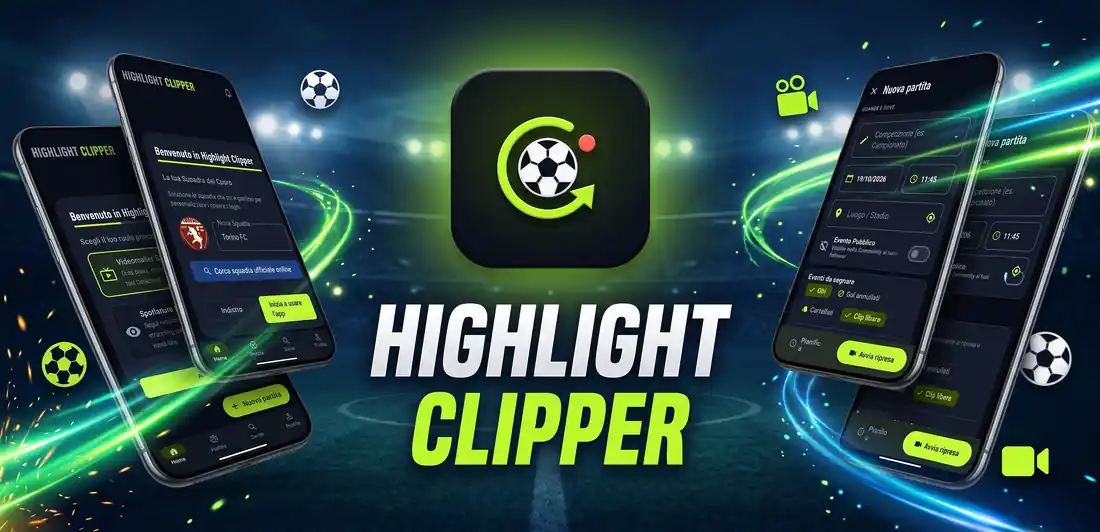
No more hours hunting for the goal in a ninety-minute video: the highlights are made while the match is played.
Pick teams, colours and badges, the competition, the venue and the events to track: goals, disallowed goals, cards, free clips. You can also schedule it in advance.
The phone records continuously. When something happens, tap the button or the volume key on your remote: a clip with the seconds before and after your tap is saved, with score and clock overlaid.
At the final whistle the app joins intro, highlights and outro into one video to watch, share or post to the Community.
Tap after the action, not before: the app keeps up to 40 seconds before your tap and, if you like, up to 20 after. You choose the length for goals, cards and CLIP.
Teams, short names, colours, score and clock burned into the video, just like a TV broadcast.
With a selfie remote you save clips from the volume keys, without touching the phone on the tripod.
At full time, one video with intro, outro and the clips you choose: just the goals, or everything.
If you like, stream the match to your channel with the scoreboard on screen and a chapter for every event.
Follow videomakers, watch the Supercuts of public matches, like and comment.
Create the competition once with periods, venue, dates and background: every new match inherits them.
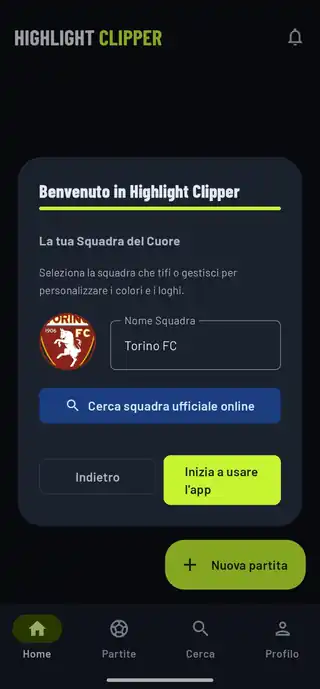
Search for the official team online: name and badge are ready for the scoreboard.
Clips are made only when you say so and stay on your phone. Matches are private until you choose to make them public.
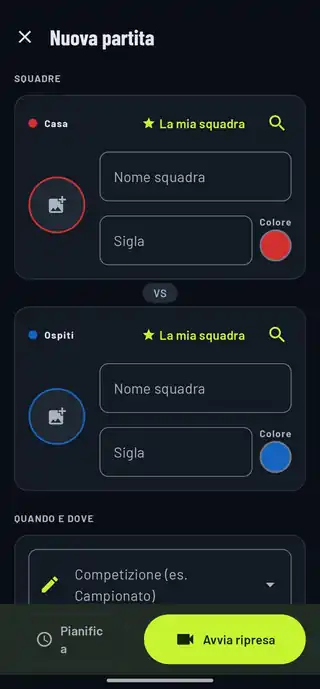
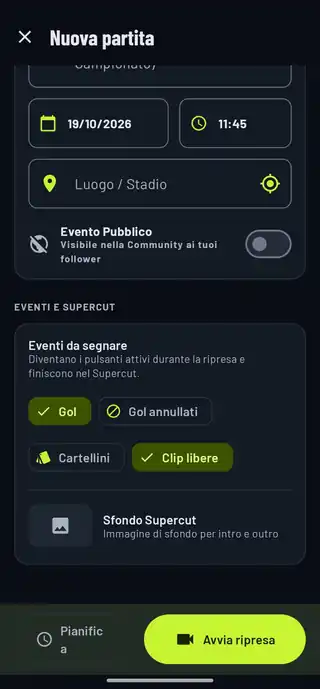
"Night Pitch" theme: high contrast and big buttons, quick to use while the match goes on. The app is currently in Italian.
Scroll to see them all →
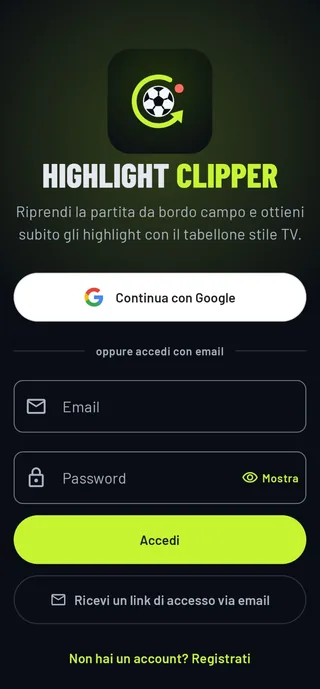
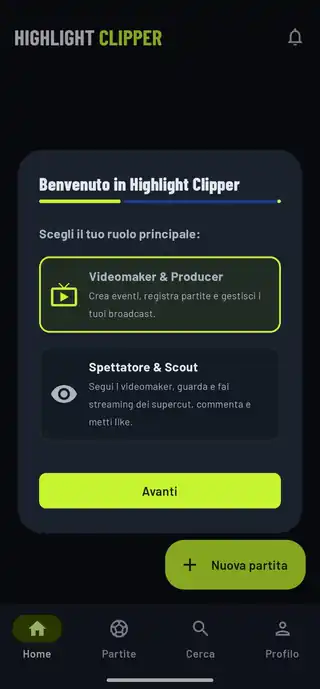
Coaches, club staff, parents, team videomakers: you create matches, film them, run leagues and tournaments and, if you like, go live.
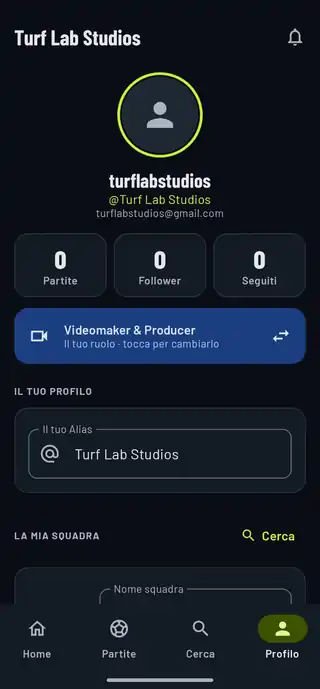
Follow videomakers, watch the Supercuts of public matches, comment and like. You can switch role any time from your Profile.
Nothing. Highlight Clipper is free, with no subscription and no ads.
Android smartphones running 8.0 or later. To film a whole match you will want a tripod, a charged phone (or a power bank) and some free storage.
No: the phone records continuously and, when you tap, saves the seconds that just went by, plus a few after if you like. You choose how many in Profile → Clip length (10 to 40 before, 0 to 20 after). If you tap right after you start filming, the clip contains everything recorded so far. More in the guide.
Clips and Supercuts stay on your phone. Only if you make a match public is its Supercut uploaded to the Community, where it stays visible for 7 days. Details are in the privacy policy (in Italian).
Yes, sign in with Google or email: it is needed for your profile, followers and the Community. You can delete your account and data at any time, here is how (in Italian).
In the app you will find "Report" on videos, comments and users, under the Community rules (in Italian). For anything else, write to us at turflabstudios@gmail.com.

Highlight Clipper is on Google Play: free, no ads, for Android 8.0 and later. Download it and film your next match.